What Are Discord Server Boosts?
Discord server boosts are premium upgrades that enhance a server's features for every member. Understanding what Discord boosts are and how they work is essential whether you're new to Discord, managing a growing community, or considering purchasing boosts for your server. This guide covers everything from boost definitions to safety and practical use cases.
Quick Answer
Discord Boost Definition & Overview
A Discord server boost is a premium contribution that upgrades a server's capabilities. When a server receives boosts, it progresses through three levels — each level unlocking additional features like more emoji slots, higher audio quality, better video streaming, and custom branding options. Boosts are the currency that powers Discord's server upgrade system. They were introduced by Discord as part of the Nitro subscription model, where Nitro subscribers receive 2 free boosts to use on any server. Over time, boosting has become a core part of Discord server culture, with communities competing to reach higher levels and unlock the best features for their members.
How Discord Server Boosting Works
The boosting system is straightforward: each boost added to a server counts toward its level total. Level 1 requires 2 boosts, Level 2 requires 7, and Level 3 requires 14. All boosts are equal — whether they come from Nitro subscribers, individual purchases, or third-party services like Liteboosts. When you boost a server, you receive a special "Server Booster" role and badge visible to other members. The boost remains active for its duration (typically 1 or 3 months), after which it needs to be renewed. If the total boost count drops below a level threshold, the server reverts to the lower level and loses the associated perks. For a deep technical breakdown of the entire boosting mechanism, see our full guide on how Discord server boosts work.
Server Boost Benefits & Unlocked Perks
Server boosts unlock premium features that benefit everyone in the community:
- More Emoji & Sticker Slots — Up to 250 custom emojis and 60 stickers at Level 3
- Higher Audio Quality — Crystal-clear voice channels with up to 384 kbps
- HD Video Streaming — Stream at 1080p 60fps for gaming and watch parties
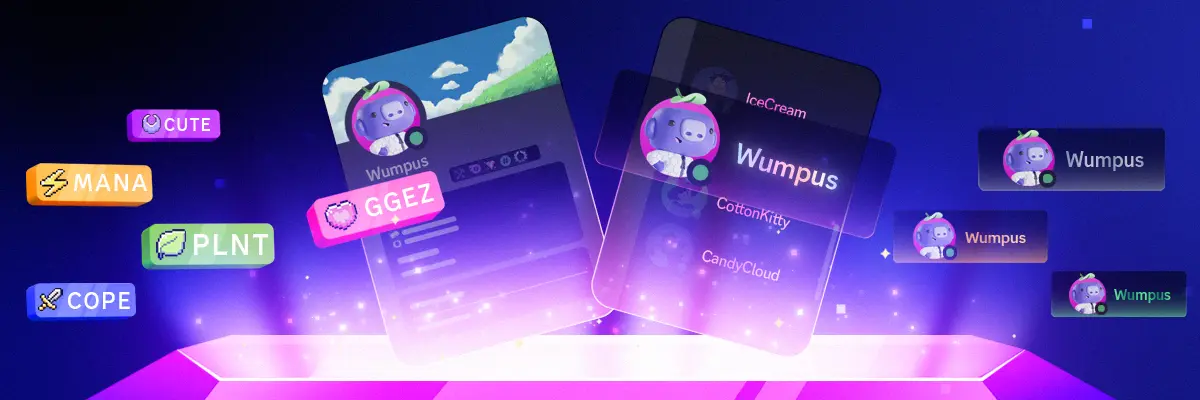
- Animated Server Icon & Banner — Make your server visually stand out
- Vanity URL — Get a custom invite link like discord.gg/yourserver (Level 3 only)
- Custom Role Icons — Add unique icons to server roles
- Increased Upload Limits — Members can share larger files up to 100MB
For a detailed breakdown of what each level includes, check out our Level 3 comparison guide with a full feature table.
Ready to boost your server?
Affordable boost packages with instant delivery and full warranty.
Is Discord Boosting Safe?
One of the most common concerns about server boosting is safety. Boosting is a completely safe process — it's a built-in Discord feature. When you boost a server — whether through Nitro or a service like Liteboosts — the boost is applied through Discord's own system. The server owner and members are never at risk. No personal information is shared, and boosting doesn't grant any special permissions or access to your account. Liteboosts uses dedicated accounts managed by our infrastructure to apply boosts, meaning we never need your Discord login or password. Your server's security settings, roles, and permissions remain completely unchanged. For a detailed honest breakdown of every risk involved, see our are Discord boosts safe guide.
Organic Boosting vs Purchasing Boosts
Organic boosting relies on individual members subscribing to Discord Nitro and using their 2 included boosts on your server. While free for the server owner, it's slow and unpredictable — reaching Level 3 organically requires 7 separate Nitro subscribers, costing them $69.93/month collectively. Purchasing boosts directly from a provider like Liteboosts gives you immediate control over your server's level at a fraction of the cost. Most servers that successfully maintain Level 2 or Level 3 use a combination of both approaches.
When Server Boosting Makes Sense
Boosting makes sense for any server that wants to provide a premium experience. Gaming communities benefit from HD streaming and high-quality voice channels. Creative communities use the extra emoji and sticker slots for expression. Professional servers and brands use vanity URLs for credibility. Even smaller communities with 50–100 members can benefit from Level 1 or Level 2 boosts. If voice channels, streaming, or custom branding are important to your community, boosts deliver immediate value. Use our interactive boost calculator to see exactly how many boosts you need, or run our Discord server scanner to check your server's current status.
Frequently Asked Questions About Discord Boosts
Liteboosts is not affiliated with or endorsed by Discord.
Continue Reading