How to Run Facebook and Google Ads to Discord Servers Without Getting Banned: The Complete Guide
Attempting to run targeted advertising in Facebook Ads or search/contextual ads in Google Ads directly to a Discord invite link (discord.gg/your-server) is a guaranteed way to get your ad account permanently banned.
Ad network moderation algorithms operate proactively. For them, a direct link to a third-party application is a "black box." In this guide, we will break down the technical reasons behind these blocks and set up a bulletproof system using the professional software Cloaking.House, which will allow you to drive traffic without bans or conversion loss.
Why Do Direct Links to Discord Lead to Bans?
Moderation on modern advertising platforms is almost completely automated. Crawling bots evaluate the ad and the landing page using rigid algorithms. A direct link to Discord violates several critical rules at once:
- Uncrawlable Destination: A Google or Facebook robot must visit the website, read the text, and ensure the page is safe. A Discord link leads to a closed application interface. To a bot, this looks like an attempt to hide content.
- Bridge Page Policy: Ad systems prohibit creating landing pages that hold no independent value and serve merely as a "buffer" for redirection. A full Discord invite page is precisely that kind of useless bridge in the eyes of the algorithm.
The Solution: Traffic Filtering via Cloaking.House
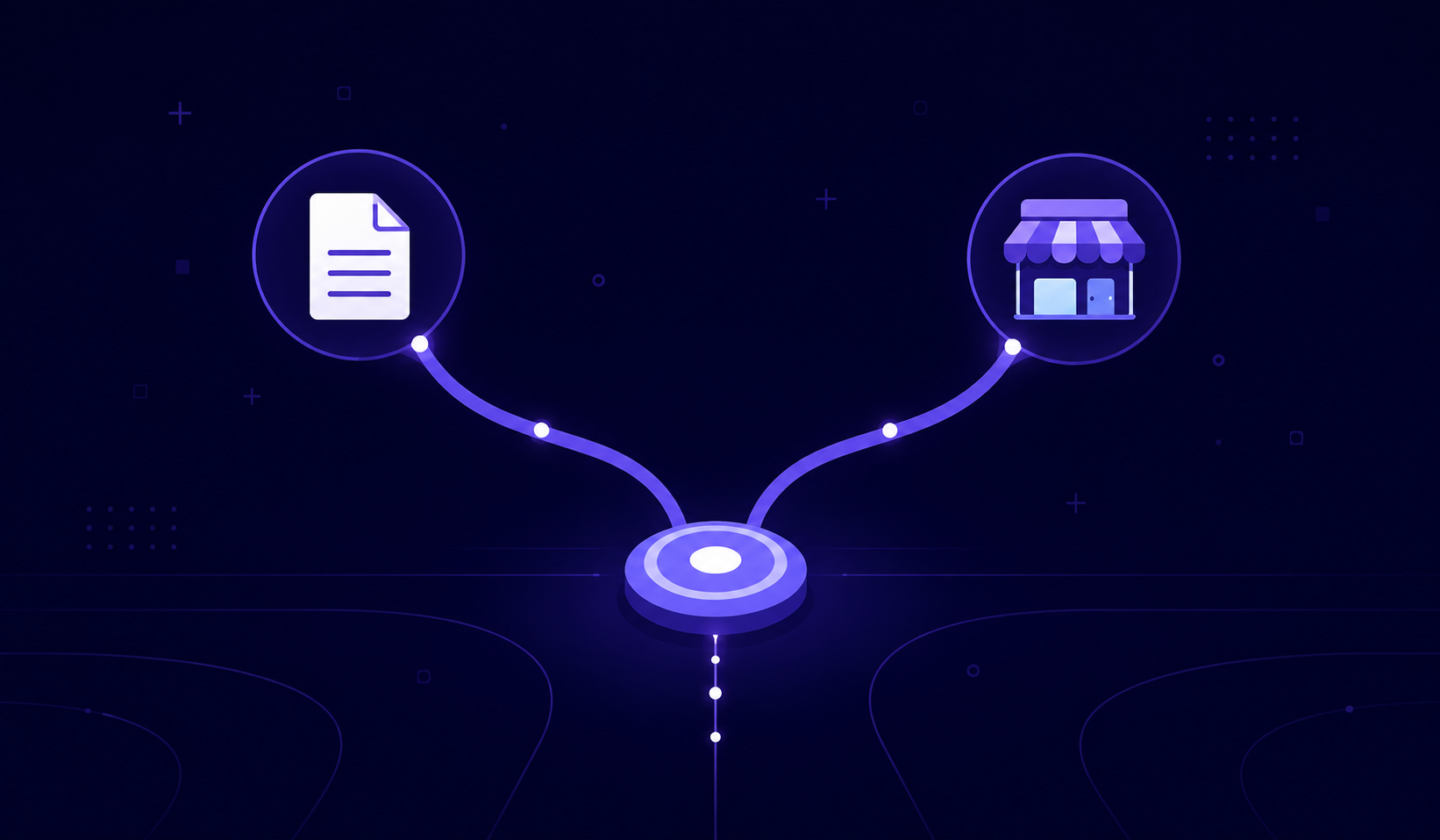
To ensure your ads run stably and your accounts live for months, you need to split user flows. Ad network moderators and bots must see an ideal, safe website, while real people should instantly land on your Discord server.
The cloud service Cloaking.House is perfect for this task. It operates based on advanced machine learning algorithms and filters traffic in real time.
Step 1. Preparing the White Page
A White Page is the website you will show to Facebook and Google moderators. It must be as neutral and legal as possible.
- If you have a gaming server — make the White Page a blog about the history of video games.
- If it's a crypto server — create a website with neutral articles on financial literacy.
Lifehack: Inside Cloaking.House, there is a built-in AI White Page generator. You don't need to know how to code or hire a web designer. The service will automatically create a responsive, clean landing page tailored to your niche in just a few clicks.
Step 2. Setting Up the Campaign in Cloaking.House
The platform's interface is completely cloud-based, so you won't have to buy and configure complex servers (VPS).
- Log into your personal account and click "Create Flows".
- In the White Page field, specify the link to your created white site (or use the built-in generator).
- In the Offer Page field (where the real client will go), paste your permanent Discord invite link.
- Set up filtering: enable VPN/Proxy protection, select your target GEOs, device types, and OS. The platform will automatically start cutting off bots, competitors' spy services, and ad network moderators.
- Download the ready-to-use PHP integration file and upload it to your hosting.
Creative Best Practices: How to Avoid a Ban at the Start
Even with perfect cloaking, silly mistakes in ad copy or banners can attract manual moderation. Here is a matrix of safe approaches:
| What Not to Do (Ban Trigger) | How to Do It Right (Safe) |
|---|---|
| Using the official Discord logo full screen (Copyright infringement). | Using neutral graphics associated with your server's topic. |
| Writing clickbait promises: "Make $1000 a day in our Discord." | Emphasizing the value of community: "Discussing strategies, sharing setups, looking for a team." |
| Using aggressive visual elements: arrows pointing to buttons, flashing text, caps lock. | Creating aesthetic, native creatives that look like a standard social media post. |
Preparing the Discord Server Itself for Incoming Ads
You have configured Cloaking.House, bypassed the bots, and real targeted traffic is flowing to your server. However, if a user lands in an empty, gray space with no signs of life, they will leave immediately. Your ad budget will be wasted.
To ensure your investments pay off, the server must look authoritative from the very first second:
- Leveling Up (Server Boosts): A server without boosts looks like a "one-day throwaway." For a commercial or major thematic project, it is critically important to have Level 3. This unlocks a custom server banner (branding that greets the user upon entry) and a beautiful short link (Vanity URL).
- Budget Optimization: Buying boosts directly from Discord means massive expenses. It is much more profitable to use the automated service Liteboosts. You will get the maximum Level 3 many times cheaper than the official subscription, securing audience trust right from the start.
- Setting Up Onboarding: Enable Discord's built-in welcome onboarding so that new members can immediately select their roles of interest and see key channels. This reduces the member leave rate by 30–40%.
Conclusion and Bonus
The combination of a professional traffic filter like Cloaking.House and high-quality server customization via Liteboosts is the only working way to scale Discord communities through Facebook and Google Ads in the current realities. You get an endless source of targeted leads without the constant fear of getting your ad account banned.
Bonus for our readers: Especially for Liteboosts users, the team at Cloaking.House has provided an exclusive promo code: LITEBOOSTS. Enter it when purchasing a plan and get a 30% discount on any subscription option of the service! Also, upon registration, you get a 7-day trial.
FAQ
Continue Reading